TofuFactory User Guide
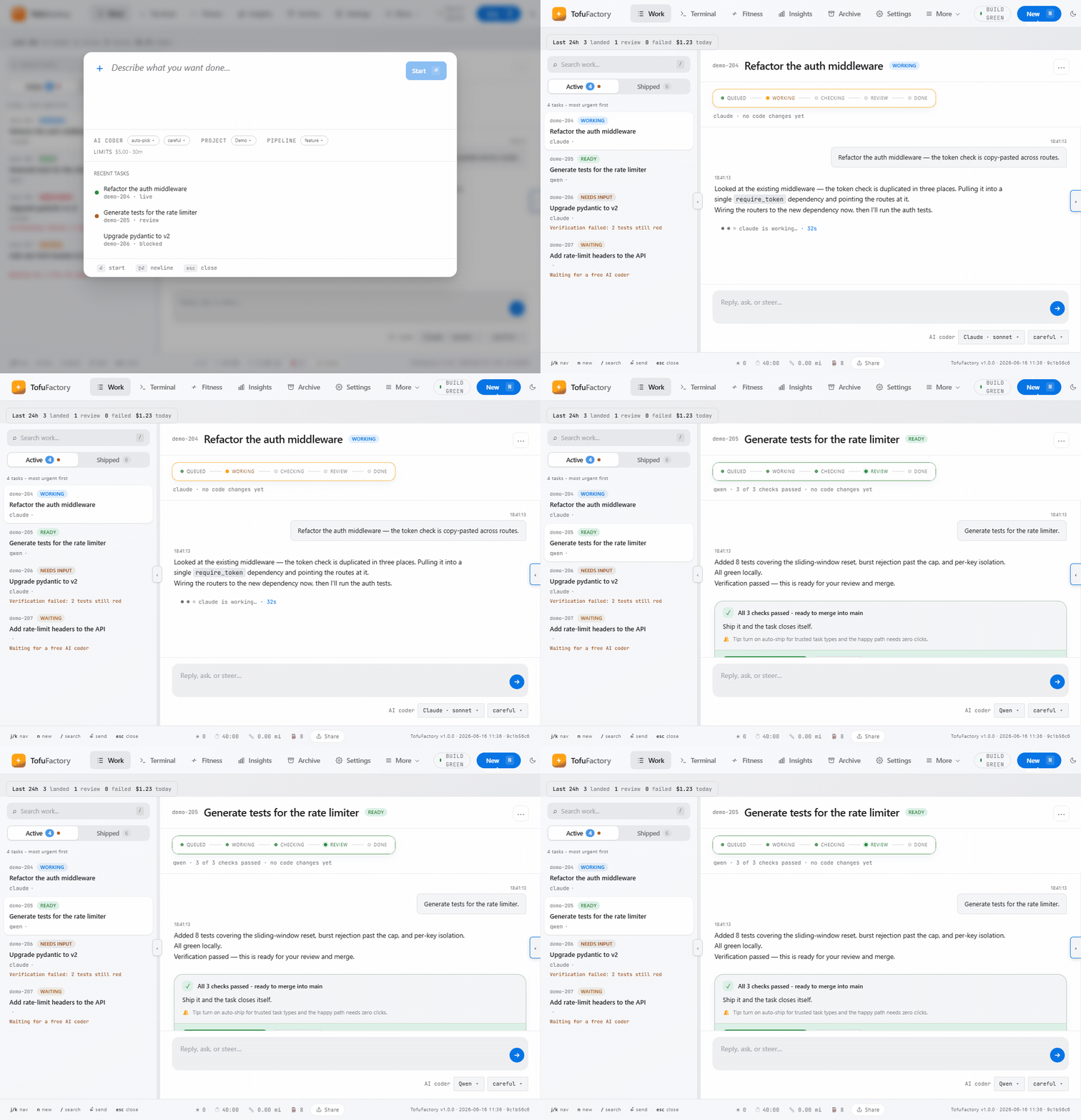
Welcome. TofuFactory runs AI coding assistants as a team of workers: you describe what you want, it puts an AI to work, checks the result, and keeps the good ones. This guide shows you how to use it — entirely through the app. No command line, no code, no setup files. If you can click, you can run it.
The guide is in five parts. Read Part 1 in order the first time — it's the fifteen minutes that get you from "just installed" to "watched a real job finish." After that, dip into whatever you need; every page stands on its own. Each one is short and ends with what you should see on screen, so you always know whether it worked.
Part 1 · Quick start — the first 15 minutes
Do these four in order.
| # | Page | After this you can… |
|---|---|---|
| 1 | Getting started | Open the app and add your project |
| 2 | Set up your AI workers | Choose which AIs do the work |
| 3 | Set a spending limit | Cap what it can cost |
| 4 | Your first task | Hand the AI a job and watch it finish |
Part 2 · Everyday use
The things you'll reach for once jobs are running.
| # | Page | What it covers |
|---|---|---|
| 5 | Watch and steer a task | Follow the work and redirect the AI mid-job |
| 6 | Stay in control without watching | The dashboard, and alerts so you can walk away |
| 7 | Templates & GitHub | Reuse common jobs; pull in GitHub issues |
| 8 | Pipelines | Chain jobs so one leads into the next |
| 9 | The live terminal | Talk to an AI directly, in a console |
| 10 | Control from Discord | Run the factory from your phone with chat commands |
| 11 | Code history | Browse commits and read visual diffs in-app |
Part 3 · Tuning the factory
Optional. Reach for these when you want to make the factory faster, cheaper, or more your own.
| # | Page | What it covers |
|---|---|---|
| 12 | Customizing prompts | Edit the instructions that guide your AIs |
| 13 | Fitness & insights | Success rates, peak hours, and fleet badges |
| 14 | Token telemetry | See where your money goes; catch cost spikes |
| 15 | The Kitty Pool | Warm standby agents that start work instantly |
Part 4 · When things go wrong
| # | Page | What it covers |
|---|---|---|
| 16 | Settings & personalization | Language, appearance, and the Danger zone |
| 17 | Troubleshooting & recovery | The short checklist for "it's not working" |
| 18 | Issue logs & diagnostics | Error logs, the activity timeline, and support reports |
Part 5 · For fun
| # | Page | What it covers |
|---|---|---|
| 19 | Tofu Runner & Easter eggs | The empty-state mini-game and hidden achievements |
A few things to know up front
- Your code is never touched until the work passes its checks. Every job is done on the side and only merged in after it builds and its tests pass. A job that fails comes back to you instead of breaking anything.
- You're always in charge. You can pause, redirect, or stop any job at any time — see page 5.
- It can cost real money. The AIs underneath bill for what they do. Page 3 is not optional reading.
📸marks a screenshot. Where one isn't shown yet, the words still tell you exactly what to look for.
If the app looks different from a screenshot here, trust the app — it may be a newer version. Everything in this guide is reachable by clicking; you never need a terminal.