7 · Save time with templates & GitHub
What you'll do
Two shortcuts for jobs you'd otherwise type out by hand: save a template for work you do often, and import issues straight from GitHub.
Templates: save a job to reuse
If you keep typing the same kind of job — "add a test for…", "update the docs for…" — save it once as a template and reuse it.
Save one
On the Work screen, after you've written a job you'll want again, save it as a template and give it a name.
Use one
When creating a job, pick your saved template. It fills in the job for you; adjust the details and start it. Templates can leave blanks for the parts that change each time, so the same shape fits many jobs.
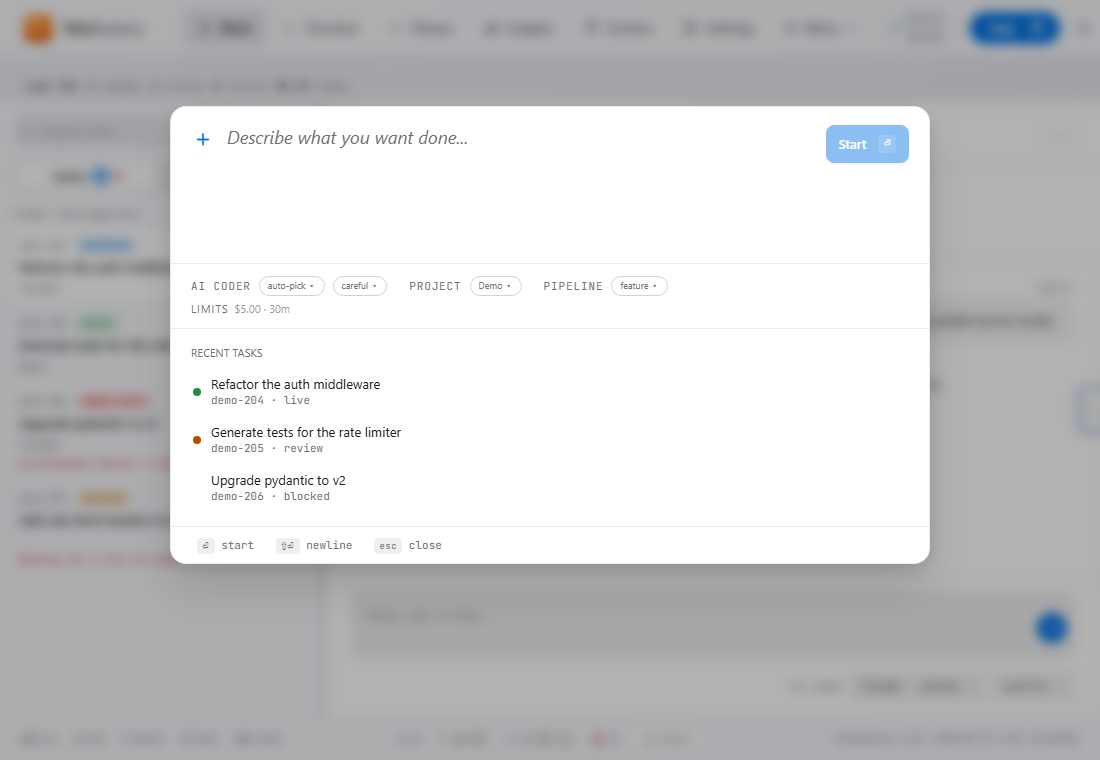
Keep your template list short and sharp. A template you have to heavily rewrite every time isn't saving you anything — delete it.
Import from GitHub
If your to-do list already lives as GitHub issues, you don't need to retype them. TofuFactory can import an issue as a job — the issue's title and description become the job, so the AI works from the same write-up your team already has.
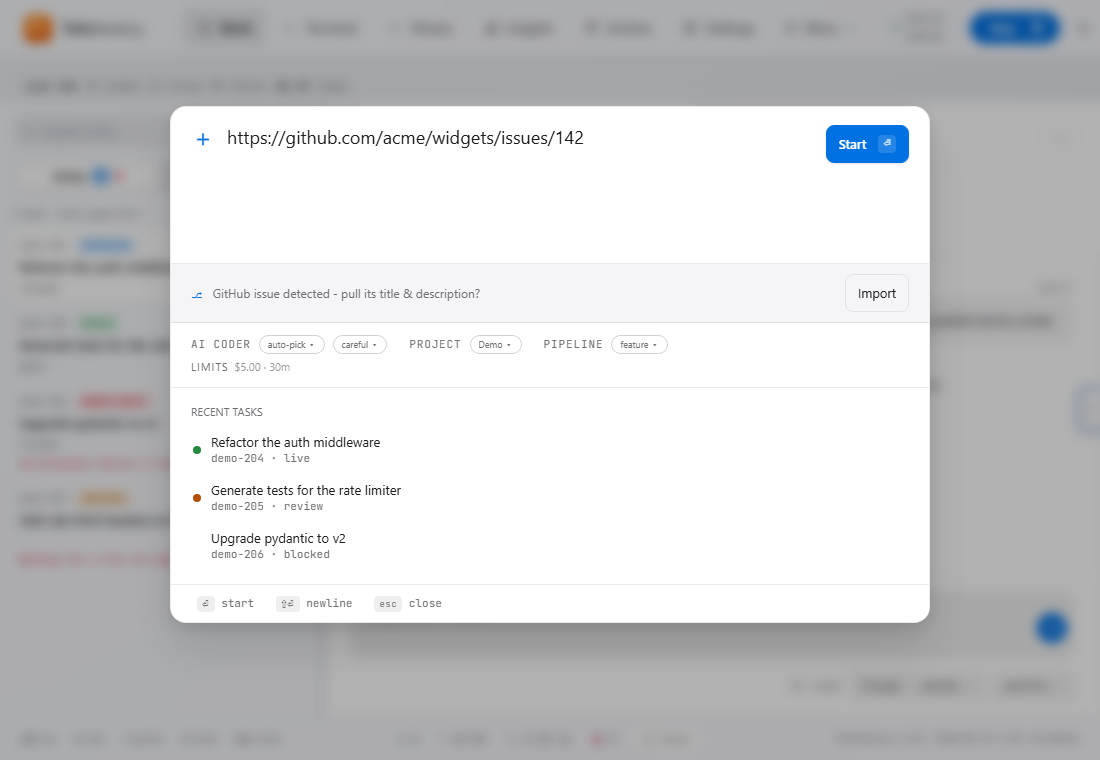
A nice rhythm: decide in GitHub which issues are ready, import the ready ones, and let the factory take them through the normal check-and-merge process.
Putting it together
- In GitHub, mark an issue as ready.
- Import it into TofuFactory.
- Apply a template (for example, one that includes your usual "must include a test" note).
- Start it, and let the safety check confirm the result.
You should now see
- A saved template that fills in a job for you.
- A GitHub issue pulled in as a job without retyping it.
- A quicker path from "I know what I need" to "it's running."
If something's not right
| Problem | What to do |
|---|---|
| A template came out with blanks | Fill in its blanks when you pick it; an empty blank stays empty. |
| GitHub import didn't work | Check the issue link and that TofuFactory has access — a private repository needs permission. |
| The imported job is vague | The AI only gets the issue's text. A thin issue makes a thin job — add detail, or apply a template that spells out what "done" means. |
Next
→ 8 · Chain jobs into pipelines — when one job should lead into the next.